Add an email to Outlook 2016 or 2019
How do I add a new email to Outlook 2016 or 2019?
- Open Outlook.
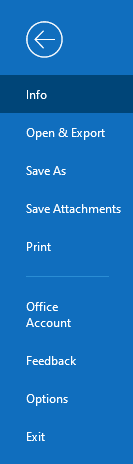
- Click the blue "File" button in the top left corner of the menu bar.

- Ensure you are on the "Info" tab on the left menu.
- Click the "+ Add Account" button on the right.
- Enter your email address into the "Email Address" field.
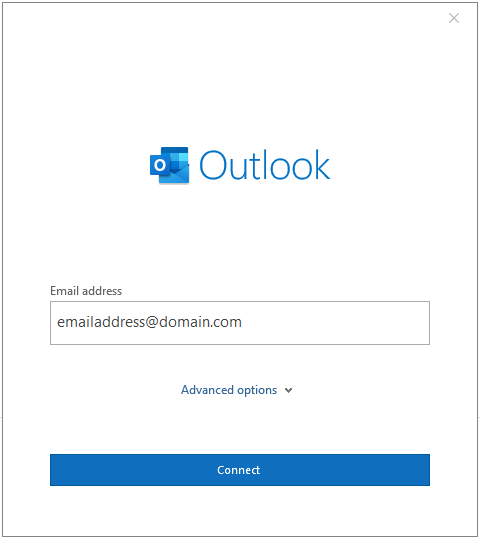
- The system should automatically detect that you should connect to Office 365.
- It will ask for your password. Enter your password, or click "Forgot my password" if you do not remember it.
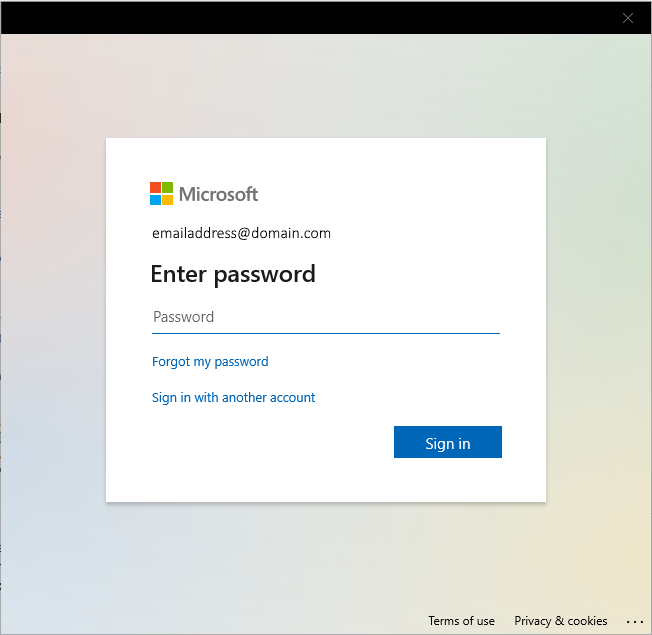
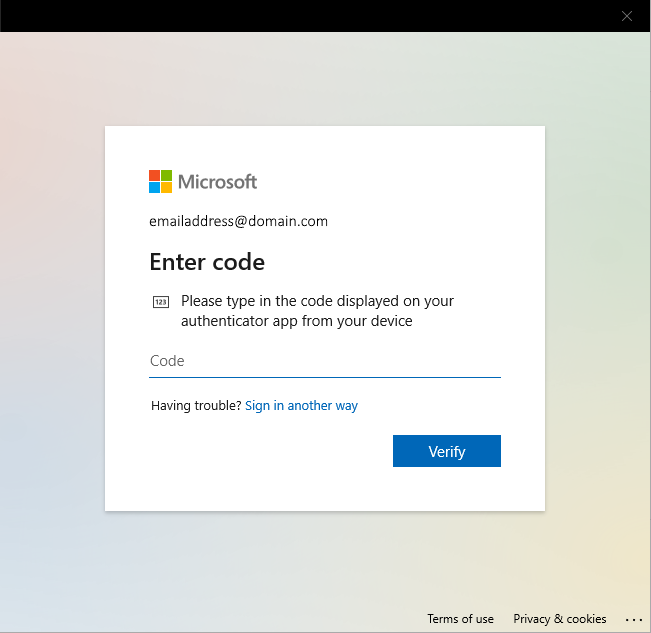
- Next, if you enter the correct password, you will be prompted to enter your "Multi-Factor Authentication" code. This code can be, depending on how it was originally setup:
- Sent to your cell phone.
- Sent to another/secondary email address.
- Sent to the Microsoft Authenticator app that you have signed in on on another device (cell phone).
- Could already exist if you use a time-based authentication code from an authenticator app, such as Google Authenticator.
- That is all. Your account should now be added to Outlook. Outlook may request that you restart the application in order to load the account.
Related Articles
Add a Shared Mailbox to Outlook 2016 or 2019
How do I add a shared mailbox to Outlook 2016 or 2019? Open Outlook Click “File” Click “+ Add Account” Type in the email address of the shared account: emailaddress@ayreshotels.com and click “Connect” Do not enter a password in next screen. Instead, ...View a Shared Mailbox in Outlook on the Web
To view a shared mailbox in "Outlook on the Web" (website version of Outlook), please follow these instructions: Log into the Office365 Outlook website with your email address. You can access by visiting any of these links. They all go to the same ...Emailing Unsafe Files - How to Convert a Macro Enabled File
Ayres Hotels, Ayres Group, Allegretto Vineyard Resort and ALO Hotel email systems will not allow the sending of unsafe file attachments within emails. If you are attempting to send an Office "Macro Enabled" file or an executable file, the file must ...